



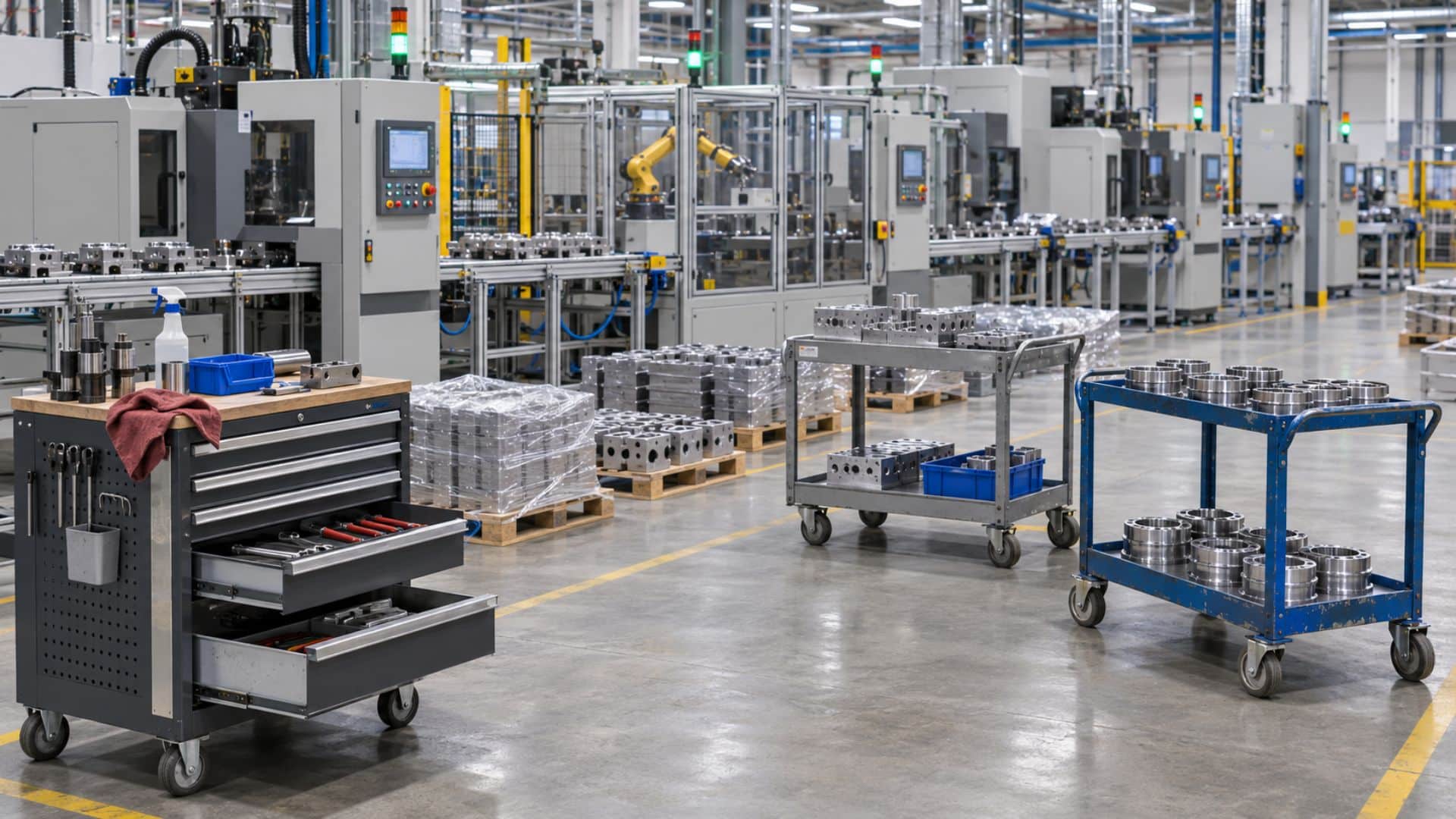
Every new system on a plant floor brings another integration. The manufacturing execution system (MES) needs line data, the enterprise resource planning (ERP) system needs MES data, and the quality team wants a dashboard that pulls from both. Someone builds each link by hand, and two teams still disagree about what a tag called Temp_04 actually measures.
A unified namespace (UNS) is the architecture many manufacturers are adopting to break that cycle. Every system publishes its data once, to one shared hub, and anything that needs the data reads it from there. This guide covers what a unified namespace is and how the architecture works. It also covers what most namespaces miss: the activity on the floor that never passes through a programmable logic controller (PLC).
What Is a Unified Namespace?
A unified namespace is a real-time hub where every system in an operation publishes its current state, so any other system can read it. Walker Reynolds coined the term. As Automation.com’s UNS explainer puts it, he describes a UNS as a real-time single source of truth for industrial data. It is organized the way the business is organized, and it is open to any product.
Because a UNS is an architecture, no vendor can sell you one in a box. You assemble it from a message broker, a shared naming structure and the systems that publish to it.
The approach replaces point-to-point integration, where each system connects directly to every system that needs its data. That works for the first handful of links. After that, each new system adds connections to build, test and maintain, which is why point-to-point integration doesn’t scale.
In a unified namespace, each system connects once, to the hub. When a team adds a quality dashboard or an AI model, it subscribes to the topics it needs and starts reading. Nobody has to write a new interface to the MES first.
How Unified Namespace Architecture Works
Unified namespace architecture runs on publish-subscribe messaging. Producers publish data to a central broker. These can be a PLC, a supervisory control and data acquisition (SCADA) system or an MES. Consumers then subscribe to the topics they care about.
Producers never need to know who’s listening, and consumers never need a direct line to the source. Because neither side depends on the other, you can add, swap or retire a system without rewiring the rest.
The broker also keeps the last known value of each topic. A system that connects for the first time sees the current state right away, without waiting for the next change.
Why MQTT Sits at the Center
Most UNS builds use MQTT (Message Queuing Telemetry Transport) as the messaging protocol. It’s light enough for constrained devices and busy plant networks. It’s also event-driven: a device publishes when a value changes, a pattern often called report by exception. As a result, traffic stays low even as the namespace grows. Many teams also run Sparkplug B on top of MQTT. For more on the protocol itself, see 5 Ways MQTT is Revolutionizing IIoT.
The Topic Hierarchy
The namespace organizes data in a hierarchy that mirrors the business. Most teams borrow it from ISA-95, the international standard for integrating enterprise and control systems. A typical path runs enterprise, site, area, line and cell. For example, a spindle speed might live at acme/plant1/machining/line2/cnc4/spindle-speed. Anyone who knows the plant can find the data without a tag dictionary.
Agreeing on that structure is most of the design work. Once the names are set, a new line or site adds branches to the tree, and the systems already subscribed keep working.
Internal Data Model or Handoff Layer?
In August, a thread in Walker Reynolds’s Discord community asked a question that never got a clear answer. Is a UNS the plant’s internal data model, or just the handoff between the MES and the ERP?
Both readings have a basis. The hierarchy comes from ISA-95, a standard written largely to define how plant systems pass information to business systems. So it’s fair to read a UNS as a cleaner pipe between those levels.
Our answer is that a UNS earns its keep as the plant’s live state. If it only carried finished work orders from the MES to the ERP, it would be a tidier integration. Teams would still build separate links for everything else. The payoff comes when the namespace holds the current condition of the operation, so any system can see what’s running, what’s waiting and where.
ARC Advisory Group makes a related point in its unified namespace glossary entry. It describes a UNS as a reflection of current state, paired with a broader data fabric for history and governance. That supports the live-state reading. Even so, practitioners still disagree on where the line sits, and a team can reasonably start from either view.
Under both readings, though, the same gap remains.
The Data Your Namespace Is Missing
Most UNS diagrams start at the PLC. Data flows up from controllers, through SCADA and the MES, to the ERP. That covers what machines report about themselves. It leaves out much of the work that happens around them.
We call these dark assets: the equipment, materials and spaces whose activity never gets recorded. No controller reports on any of the following:
- Hand tools and calibrated gauges, including where they are and whether they’re due for calibration
- Carts, forklifts and other mobile equipment moving between areas
- Work in process (WIP) sitting between stations, and how long it has been there
- Temperature and humidity in storage bays, cure rooms and staging areas
- Assets in parts of the building with no network drops at all
A namespace that can’t see these can still tell you how fast line 2 is running. It can’t tell you why line 2 is waiting when the cause is a missing fixture, a cart in the wrong bay, or parts that sat too long in a humid room.
Namespace
Readings from the floor also need context before they mean anything. A humidity value matters once people know which room it came from and what was stored there. Our post on the ontology layer covers why that context matters. For a UNS, it means physical-world data should arrive already tied to the assets and places it describes.
Feeding a Unified Namespace From the Physical World
Closing the gap means adding sources that capture what controllers can’t. Before any new source publishes to your namespace, it should meet a few requirements:
- It publishes over MQTT, so it joins the namespace like any other producer. REST APIs and Model Context Protocol (MCP) should also be available for systems and AI agents that need them.
- You own the data, and any analytics tool or model can use it.
- Your environment decides the sensing technology. A steel-walled bay, an outdoor yard and an open assembly floor each need something different.
- It works alongside your broker, MES and historian, with no rip-and-replace.
That is the role Thinaer plays as the Physical AI capture layer. We deploy whatever sensing each environment requires, across more than 50 sensor types. That includes Bluetooth Low Energy (BLE), radio frequency identification (RFID), ultra-wideband (UWB), GPS and LoRaWAN. The data publishes over MQTT into the namespace you already run. Today, Thinaer is deploying more than two million sensors and tags across more than 12 million square feet.
Location accuracy depends on the technology. BLE places assets within 3 to 10 feet, UWB gets under a foot where precision matters, and GPS covers outdoor yards. Your broker, MES and historian stay where they are, and the namespace gains the floor activity they never had.
Questions to Ask Before You Connect Another Source
Coverage comes first. Which parts of your floor would stay dark if you only connected controllers, and does the new source reach them, including areas with no network drops? Then look at format. Will the data land in your namespace’s structure, or will someone have to map it by hand?
Ownership is the next question: could you send the same data to a different tool or model later without asking the vendor? Finally, ask what happens when the next building has different constraints. If the answer is a different product, the new source adds to the integration problem your namespace was built to solve.
Start With What You Can’t See
A namespace that only knows what PLCs know describes the machines. The operation also includes the tools, carts, materials and rooms around them, and most of that activity goes unrecorded.
If you’re building or extending a unified namespace, map what it can’t see before you add the next system. Sonar gives operators a live view of those assets from day one, and the same data publishes into your namespace for every other system to use. The sensing we deploy depends on your floor, your walls and your network.
Your environment decides.
Physical AI starts here.
Frequently Asked Questions
Is a UNS a product?
No. A unified namespace is an architecture. You build it from a message broker, a naming structure based on how your business is organized, and the systems that publish to it.
Do I need Sparkplug B?
No. A UNS works over plain MQTT. Sparkplug B adds a standard topic and payload structure, which some teams find useful when many edge devices publish to the same broker.
How is a unified namespace different from a historian?
A historian stores time-series data for later analysis. A unified namespace holds the current state of the operation and shares it in real time. Many architectures use both, with the historian subscribing to the namespace like any other consumer.