



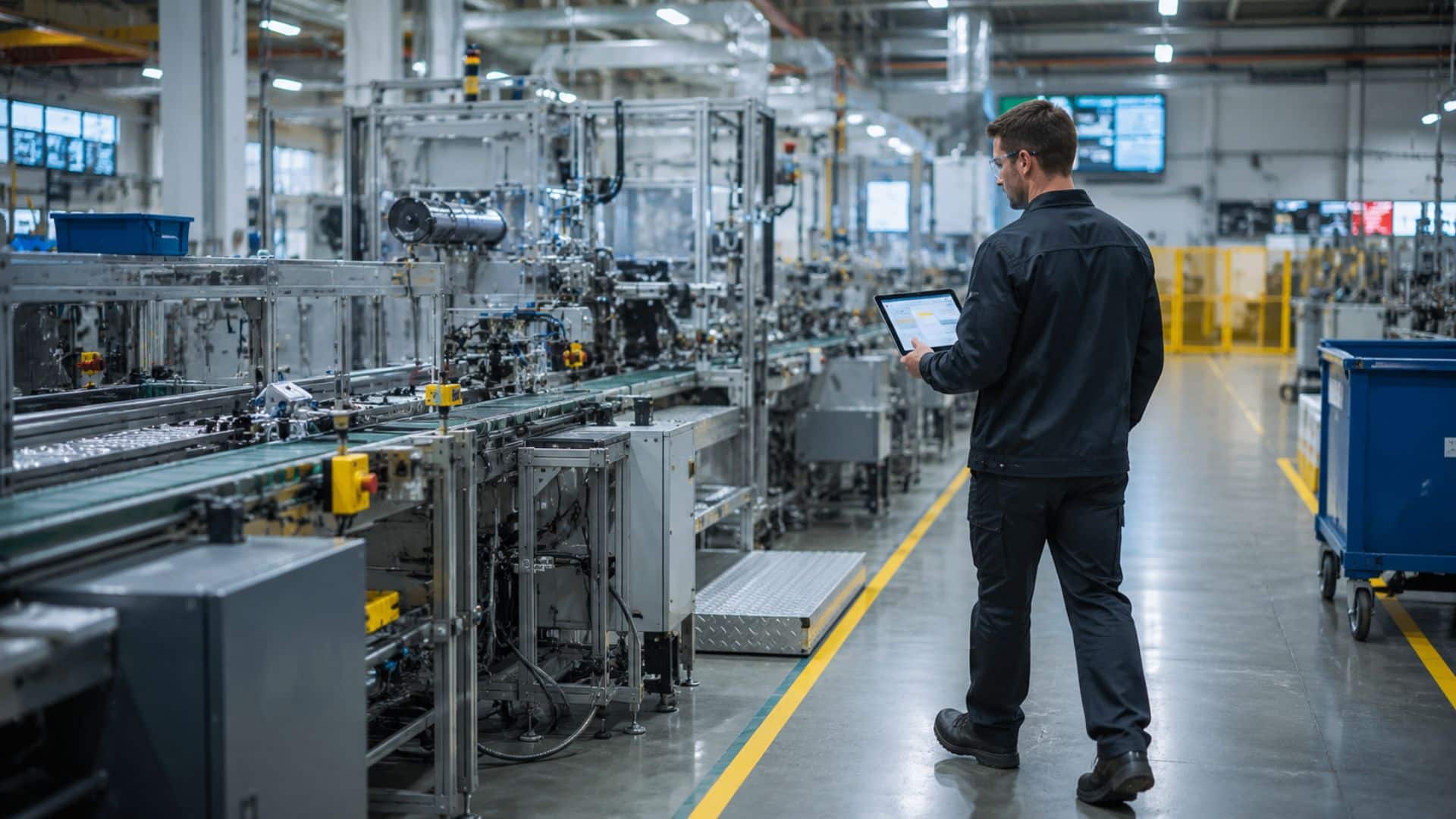
A line goes slow, a batch fails QC, output drops for no obvious reason — and someone points an AI tool at the operations data and asks it why. Increasingly, that’s the first move: teams are adopting or piloting AI troubleshooting tools precisely because manual root-cause work is slow. But the answer that comes back is often vague, unconfident, or flatly wrong. Not because the model is bad. Because the data underneath it was never built for this. AI troubleshooting in manufacturing is a data problem before it’s a model problem, and that’s the same argument running through this whole series: capture has to come first.
What AI Troubleshooting Actually Needs
Start with what the use case actually is, because people constantly conflate it with something else. AI troubleshooting means correlating conditions, timing, and context to explain why something already happened — a slowdown, a defect, a missed target. It is not the same job as predicting when a piece of equipment will fail. That’s predictive maintenance, and it depends on specialized inputs like vibration signatures and acoustic emission data that live outside this pipeline entirely. Troubleshooting is reasoning over what occurred; it isn’t forecasting what’s about to. (For more on why that distinction holds up across Physical AI use cases generally, see What Is Physical AI? A Plain-English Definition for Operations and Technology Leaders.)
That distinction matters because it sets the boundary for everything that follows. An AI tool troubleshooting a quality escape needs to reason over data, not diagnose a machine’s internals. It needs to know what conditions existed, in what sequence, in what location, at what time. AI needs that context to actually exist somewhere before it can reason over it. (If what you’re actually after is anomaly detection on equipment behavior itself, Thinaer + GenAI: A Better Way to Spot Anomalies and Optimize Assets covers that territory directly.)
It helps to think of AI troubleshooting as answering a “why” question, not a “when” question. “Why did this batch fail” is a troubleshooting query. “When will this bearing fail” is a predictive-maintenance query. Both are legitimate AI use cases in manufacturing. They just depend on completely different data. Conflating them is part of why so many teams end up disappointed with a troubleshooting tool that never got what it needed to do the job it was asked to do.
Why AI Troubleshooting Tools Give Vague or Wrong Answers
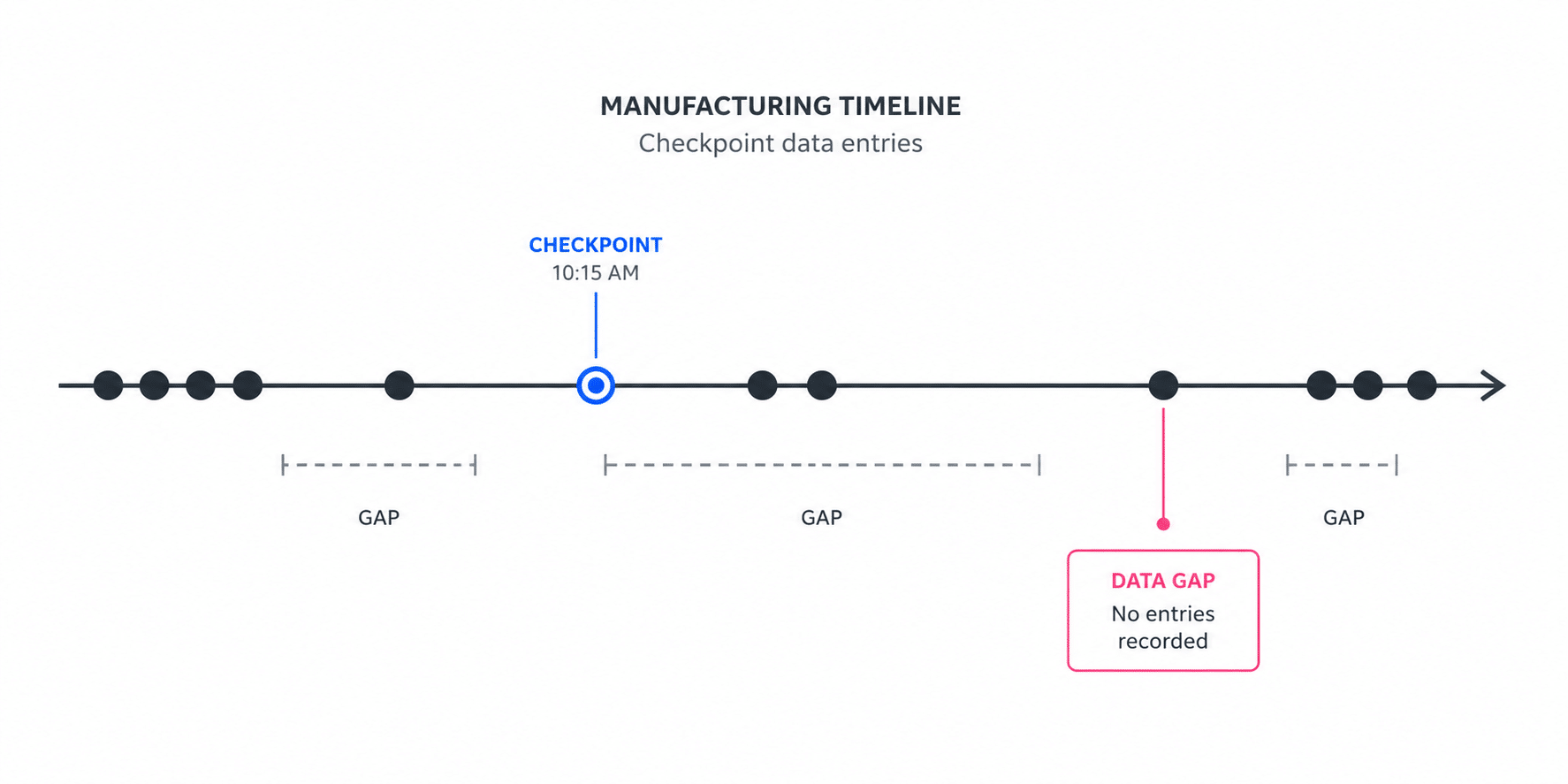
Most manufacturing data isn’t built to support this kind of reasoning. As covered earlier in this series, the typical plant runs on checkpoints: a barcode scan at handoff, a shift-change entry, a manual log filled in from memory an hour after the fact. Checkpoints tell you what was true the last time someone stopped to write it down. They don’t tell you what was true continuously, which is exactly what a troubleshooting query needs.
Ask an AI tool why a batch failed QC and it can only reason over what it has. If the data has no timestamp on when a sensitive process step actually ran. No location context for where a component sat before assembly. And a two-hour gap between the last manual log entry and the moment the defect surfaced. The tool has nothing to correlate. It fills the gap the way any model does when the inputs are thin: with a plausible-sounding answer that isn’t grounded in anything specific.
What “Garbage” Actually Looks Like
This is the garbage-in, garbage-out problem, and it’s worth being concrete about what “garbage” looks like in an operations context. It’s rarely obviously bad data — most teams aren’t dealing with corrupted files or missing columns. It’s data with holes in it, gaps that a spreadsheet or an MES field can hide easily but that an AI troubleshooting tool can’t reason around:
- Timestamps that reflect when someone logged an event, not when it actually happened
- No location or environmental context tied to a specific asset at a specific moment
- Gaps between manual entries where nothing was captured at all — the process kept running, but nothing recorded it
- Environmental conditions — temperature, humidity, vibration exposure — that nobody ever recorded because nothing watched continuously
Feed that into even a well-built AI troubleshooting tool and the output degrades in a predictable way. Low-confidence answers, correlations that don’t hold up under a second look, or a response so generic it could apply to any plant running any process on any given day. The model isn’t wrong to produce that. It’s doing the best it can with checkpoint data standing in for continuous reality — and no amount of prompt tuning or model upgrading fixes an input problem.
The Capture Layer Is What Makes Troubleshooting Trustworthy
What changes when the underlying data is continuous instead of checkpoint-based? The AI tool suddenly has something real to reason over — a timestamped, location-aware, environmentally contextualized stream instead of a handful of manual entries with big gaps between them. That stream is what a capture layer exists to produce, and it’s the difference between an AI troubleshooting tool guessing intelligently and one actually reasoning from evidence.
This is where we need to state Thinaer’s role precisely, because it’s easy to blur. Thinaer doesn’t build the AI model doing the troubleshooting, and it doesn’t diagnose machinery itself. Whatever tool is doing the reasoning. A customer’s own ML model, a partner’s diagnostic software, an LLM copilot layered on top of operations data — is only as good as the data it gets. Thinaer’s job is entirely upstream of that: capturing and structuring the real-time operational data — location, movement, environmental conditions, machine utilization. So that whatever tool sits on top of it has something accurate to work with. The data pipeline is customer-owned throughout, delivered via Sonar, MQTT, or REST, so it feeds whichever AI, analytics, or diagnostic platform the team already runs.
That’s the same Capture, Learn, Act framing from earlier in this series. Troubleshooting lives in the Learn and Act layers — it’s the reasoning and the resulting action. Capture is the layer underneath it that determines whether that reasoning has anything real to work from. Skip it, and the smartest model in the world is still reasoning over gaps, no matter how much the vendor promises on the model side.
An Example of the Difference
Picture a defect pattern showing up on a production line. Someone asks an AI troubleshooting tool to explain it.
Working from checkpoint data: the tool has a shift-change log, a QC scan at the end of the line, and not much in between. Its answer: “Defects may be related to process variation during this shift. Recommend reviewing operator procedures.” True in the sense that it’s not wrong, and useless in the sense that it tells the team nothing they didn’t already suspect.
Checkpoint Data
“Defects may be related to process variation during this shift. Recommend reviewing operator procedures.”
Vague. Not actionable. Could apply to any shift, any line.
Working from continuous, contextualized data: the tool has a real-time humidity reading tied to the exact station and time window, correlated against the timestamped defect log. Its answer: “Defect rate increased on units processed between 2:10 and 3:40 p.m., correlating with a humidity spike at Station 4 during that window.” That’s a specific, checkable claim a technician can act on immediately. Not a diagnosis of equipment failure, a correlation the team can go verify.
Continuous, Contextualized Data
“Defect rate increased on units processed between 2:10–3:40 p.m., correlating with a humidity spike at Station 4.”
Specific. Checkable. Gives the technician something to act on.
Same AI tool in both cases. The difference is entirely what it had to reason over.
What This Means Before Your Next AI Investment
This is the same capture gap the next post in this series runs into from a different angle. Executive reporting built on data that doesn’t reflect the floor as it actually is. The pattern repeats because the root cause repeats. Nothing captured the floor accurately enough for whatever sits on top of it to be trustworthy, whether that’s a troubleshooting query or a quarterly report.If AI troubleshooting keeps handing back vague or generic answers, the fix usually isn’t a better model or a different vendor. It’s asking whether anyone ever built the data feeding that model to support this kind of reasoning in the first place. Continuous, timestamped, and tied to real location and environmental context, rather than reconstructed from checkpoints after the fact. Better troubleshooting starts as a data foundation decision, not a model upgrade, and it’s a decision worth making before you evaluate the next AI tool, not after it’s already underperforming.
See what continuous, contextualized operational data looks like for your floor in Sonar.