



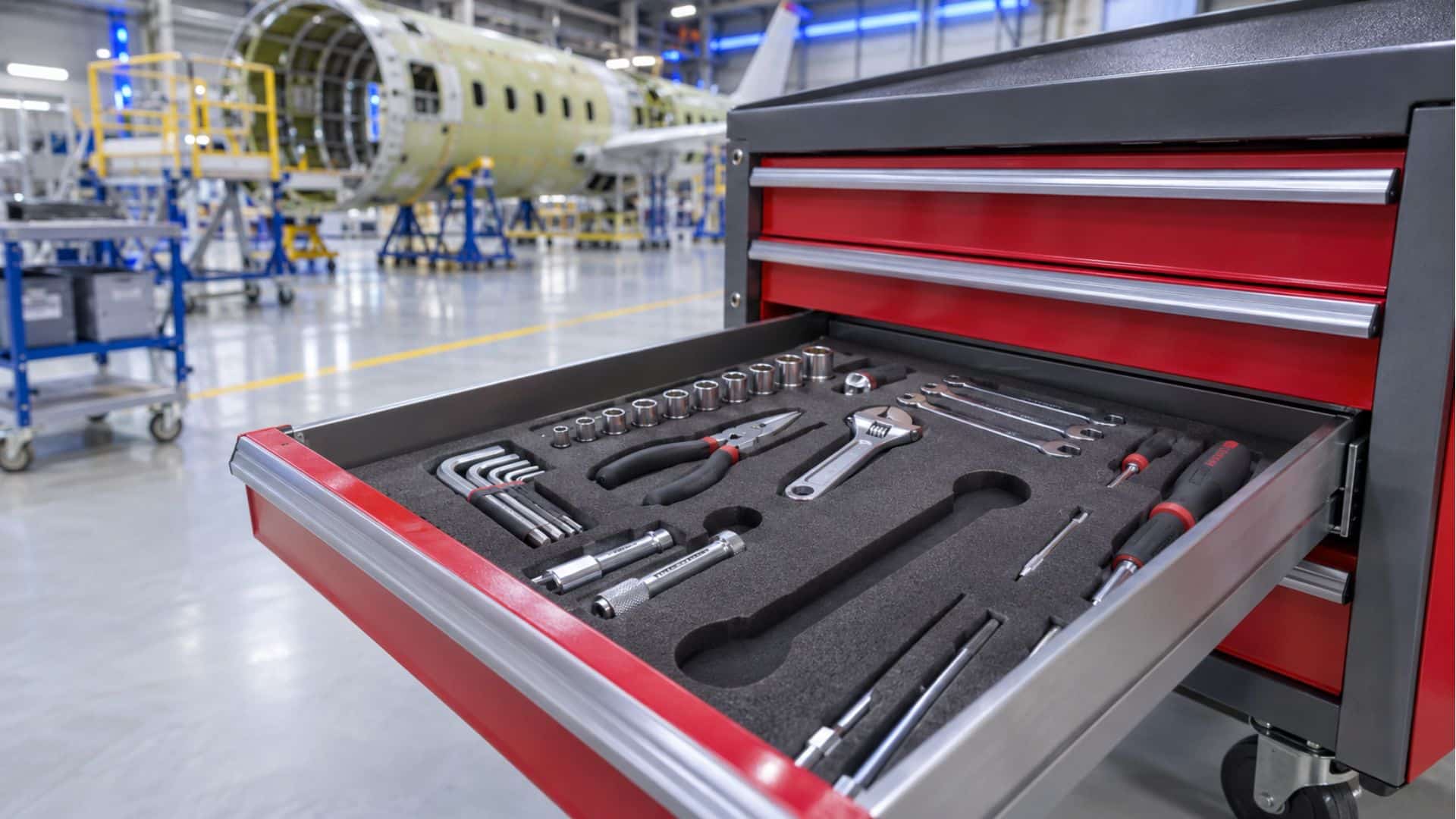
Most teams shopping for tool control software want one answer: will it tell us where our tools are right now? That depends on the type of system. Check-out software and automated cabinets record who took a tool and what’s left in each drawer, but few systems can tell you where a specific torque wrench is once it leaves the crib.
That gap matters most in aerospace, defense and MRO (maintenance, repair and overhaul), where one missing tool can hold an aircraft or a line until someone finds it. This guide sorts tool control systems into four types by what each one can see, then covers how to compare them and where real-time location fits beside the cabinets you already own.
What Tool Control Software Does
Tool control software keeps a record of every tool a team is responsible for: what it is, who has it and whether it came back. Organizations usually buy it for five jobs.
- Check-out records that tie each tool to a person and a time.
- Inventory counts, so the crib knows what it owns and what’s missing.
- Calibration status, so nobody uses a gauge or torque wrench past its due date.
- Loss reporting, which starts the search (and, in aviation, the FOD process) when a tool doesn’t come back.
- An audit trail that shows inspectors who had which tool, and when.
In aviation, those jobs carry real cost. Foreign object debris (FOD) includes tools left in or near aircraft, and SKYbrary’s FOD overview puts the resulting damage at about $4 billion a year across the aerospace industry. Tool control is one of the main defenses against it. Military maintenance units also have formal requirements, covered in our post on aviation tool control programs. Software is one piece of a larger program, and our guide to building a tool control program covers the rest.
Four Types of Tool Control Systems
Most tool control systems fall into four groups. Compare them by what each one can see once a tool is in use.
Manual programs: logs, shadow boards and spreadsheets
Many tool rooms still run on paper sign-out sheets, shadow boards with painted outlines and a shared spreadsheet. These programs cost little and work anywhere people follow the process. A shadow board shows a gap at a glance. However, the record is only as good as the last person who filled it in, and nothing shows where a tool went after it left the wall.
Check-out software at a tool crib
The next step adds barcode or passive RFID (radio frequency identification) scans at a crib window or kiosk. Each scan writes a time-stamped record, so check-out history gets more accurate and audits get easier. Passive RFID can also speed up inventory counts. The limit is the scan point. Once a tool walks away from the reader, the software knows it’s out and who scanned it.
Automated tool control cabinets and smart toolboxes
Automated cabinets are the strongest drawer-based option. They tie each drawer opening to a badge or PIN, detect which tool left its slot (by camera, sensor or RFID, depending on the maker) and log the transaction without anyone typing. For accountability at the point of issue, they’re hard to beat. They also enforce the process, because the drawer does the scanning and nobody can skip it.
Real-time location capture
The fourth type tracks the tool itself instead of the storage. Small tags on tools report to readers or gateways across the facility, and software shows each tool on a live map. Accuracy depends on the technology. BLE (Bluetooth Low Energy) typically places a tool within 3 to 10 feet, which is enough to know the room or zone. UWB (ultra-wideband) delivers sub-foot positioning where precision matters. Of the four types, it’s the only one that shows where a tool is right now.
| System type | In the box | At check-out | Anywhere in the facility | Where it works | Data export |
|---|---|---|---|---|---|
| Manual program (paper, shadow boards, spreadsheets) | Partly. An empty outline shows a gap. | Only if someone writes it down | No | Anywhere people follow the process | Manual entry or spreadsheet |
| Tool crib check-out software (barcode or passive RFID) | Crib inventory counts | Yes, at each scan | No | At the crib or scan point | Reports and exports; integrations vary |
| Automated tool control cabinets and smart toolboxes | Yes, down to the drawer and slot | Yes, automatic, tied to a badge or PIN | No | Where the cabinet sits | Vendor software; varies by maker |
| Real-time location capture | Yes, for tagged tools | Works alongside cabinet or crib records | Yes, by zone (BLE) or sub-foot (UWB) | Hangars, floors, outdoor yards and restricted areas, depending on the technology mix | Look for open delivery such as MQTT or REST APIs |
Where Smart Tool Boxes Stop
Once a tool leaves, a smart tool box knows two things: the tool is out, and a specific person took it. It can’t tell whether that tool is on the flight line, in the next bay or dropped in a parts bin at shift change. Many cabinets will flag a tool as overdue, but the alert only reports how long it has been out.
The cabinet’s record still helps. When a tool doesn’t come back, the log names a person, and the search starts there. In a large hangar, though, a name doesn’t say which aircraft or which bin to check.
In a FOD-sensitive area, an unreturned tool can stop work until someone accounts for it. We look at how production floors handle this in tool accountability systems for FOD prevention. Searchable location turns that hunt into a lookup, as we covered in Shelf A. Room B. Found in Seconds.
What to Look for in Tool Control Software
Use these six questions to compare tool control software vendors. Each one maps to a gap that shows up after the purchase if nobody asks it before.
Does it see tools outside the box?
Ask what the system knows about a tool between check-out and return. If the honest answer is “who has it,” that may be enough for a small crib. For tools that travel across a large floor or out to a ramp, you need location.
Does it work in your environment?
Hangars are full of metal. Some areas restrict radio emissions, some are classified, and some tools spend the day outdoors. Each condition favors different technology, so ask how the vendor handles each one. Our BLE vs RFID vs Wi-Fi comparison breaks down where each radio fits.
Who owns the data, and where can it go?
Tool data is more useful when it reaches the systems your team already runs, such as a CMMS (computerized maintenance management system), MES or ERP. Check whether the vendor offers open delivery through standard APIs. Also confirm that you own the data and can take it with you.
Does it track calibration status alongside location?
Many systems can flag an overdue tool at check-out. Fewer can show where an out-of-tolerance tool is right now, so a supervisor can pull it before someone uses it on an assembly.
Does it meet your security posture?
Defense and aerospace buyers should ask about approvals for their sites and where data lives. They should also confirm whether the system can run inside their own cloud and identity controls. Ask for the specific approvals by name.
Will it lock you into one radio or one vendor’s hardware?
A system built around a single radio works well until you reach a building or area where that radio doesn’t. Ask whether the vendor can mix technologies and backhaul options. We cover the cost of getting this wrong in RTLS without vendor lock-in.
Running a Capture Layer Beside the Cabinet
Thinaer works alongside the cabinets and tool control software a team already owns. The cabinet stays the point of issue. Thinaer captures where each tagged tool goes after it leaves the drawer, how long it stays out and whether it’s within its calibration window.
In Thinaer Sonar, each tool appears on a live facility map. Teams set time-out alerts for tools that stay out too long and geofence alerts for tools that leave an approved area, such as a wrench that crosses from the hangar onto the ramp. The same data goes out through MQTT or REST APIs to the CMMS, MES or ERP already in place, and the customer owns it.
Your environment decides the sensing mix. BLE covers zone-level location across most of a facility. In an aircraft bay where a few feet matter, ultra-wideband tool tracking adds sub-foot precision. RFID, GPS for outdoor yards and other technologies fill in the rest, all through one platform. Thinaer is HERO ZERO certified for ordnance environments, DISA approved and patent pending for classified coverage. Today it runs more than 150,000 sensors across 33 locations.
Nothing gets ripped out: the cabinet keeps issuing tools, and the CMMS keeps its records. If your cabinets already tell you who has a tool, Sonar shows you where it is.
Frequently Asked Questions
Is automated tool control worth it for a small tool room?
It depends on what a lost tool costs you. For a small crib with low-value hand tools, a disciplined manual program or barcode check-out often covers it. Automated cabinets pay off sooner when tools are expensive or FOD-critical and when audit records matter. Location capture makes the most sense when tools travel, such as between buildings or out to a flight line.
Can tool control software track calibration?
Yes. Most tool control software stores calibration due dates and flags or blocks an overdue tool at check-out. Systems that pair calibration status with live location go a step further, because they show where an out-of-tolerance tool is so someone can pull it.
Do I need to replace my toolboxes?
No. A capture layer runs beside the automated cabinets and crib software you already have. The cabinet keeps handling check-out, and location capture covers the time a tool spends outside it.